Dakota Clum
Locking down access by IP address is a common and effective security practice. On Windows servers running IIS, the IP Address and Domain Restrictions feature has long been the go-to tool for allowing or denying traffic at the server or site level.
But if your site sits behind Cloudflare, that familiar approach can suddenly—and confusingly—stop working.
Here’s why it happens, what’s really going on under the hood, and how to do it the right way.
The Problem: “I Allowed My IP… Why Am I Getting 403 Forbidden?”
A customer recently ran into this exact issue:
- They configured IIS to allow only specific IPv4 addresses
- The rule was applied at the server level
- Their own IP address was explicitly allowed
Yet every request resulted in a 403 Forbidden error—even when browsing directly from the allowed IP.
If you’ve ever stared at IIS convinced you didn’t misconfigure anything, you’re probably right.
ColdFusion + IIS + Cloudflare: Why This Matters Even More
If you’re running Adobe ColdFusion on IIS, this issue isn’t just academic—it’s operational.
ColdFusion applications frequently expose:
- Internal APIs
- Scheduled tasks
- Legacy endpoints that were never designed for public access
Many ColdFusion teams rely on IIS IP Address and Domain Restrictions as a first line of defense to protect these surfaces. When Cloudflare is added in front, that protection silently stops working—often without anyone realizing it.
The result is a dangerous false assumption:
“Our ColdFusion application and internal routes are IP-restricted.”
Behind Cloudflare, they aren’t—unless the restriction is enforced at the Cloudflare layer.
That’s why ColdFusion environments benefit disproportionately from:
- Cloudflare Security Rules for IP allow/deny
- Explicit edge-level access control for admin paths
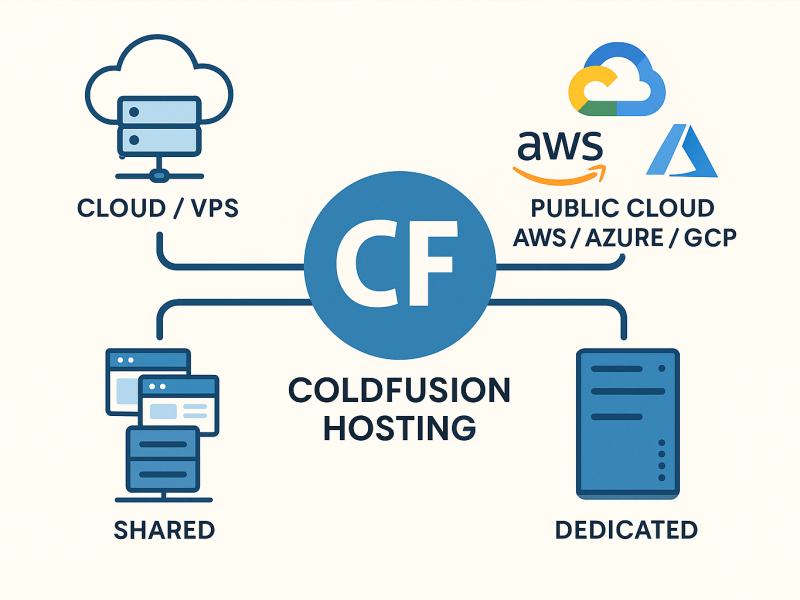
- Hosting providers who understand how ColdFusion, IIS, and Cloudflare interact in real deployments
👉 If you’re running ColdFusion in production and want these controls configured correctly from day one, this is exactly what we handle with our managed ColdFusion hosting.
The Root Cause: Cloudflare Masks the Real Client IP
When Cloudflare is enabled in proxied mode (the orange cloud), it acts as a reverse proxy:
- The visitor connects to Cloudflare
- Cloudflare connects to your origin server
- IIS only sees Cloudflare’s IP, not the visitor’s
The visitor’s real IP address is passed in a custom HTTP header:
CF-Connecting-IP
Here’s the key issue:
IIS IP Address and Domain Restrictions does not read HTTP headers by default.
It only evaluates the source IP of the TCP connection, which—behind Cloudflare—is always a Cloudflare IP.
So when you “allow” your own IP in IIS:
- IIS never sees it
- The request never matches
- Access is denied
This is expected behavior, not a bug.
The Fix: Use Cloudflare Security Rules
If your site is behind Cloudflare, IP-based access control must live at the Cloudflare layer, not in IIS.
Cloudflare evaluates the visitor’s true IP address before traffic ever reaches your server.
How to Do It
- Log in to Cloudflare
- Go to Security → WAF → Custom Rules
- Create a rule that:
- Allows requests
- When IP Source Address is in your approved IP list
- (Optional but recommended) Add a block-all rule below it
This ensures:
- Only approved IPs reach your server
- IIS never sees unwanted traffic
- Your origin remains fully shielded
Cloudflare’s official documentation walks through this in detail:
👉 https://developers.cloudflare.com/waf/tools/ip-access-rules/create/